
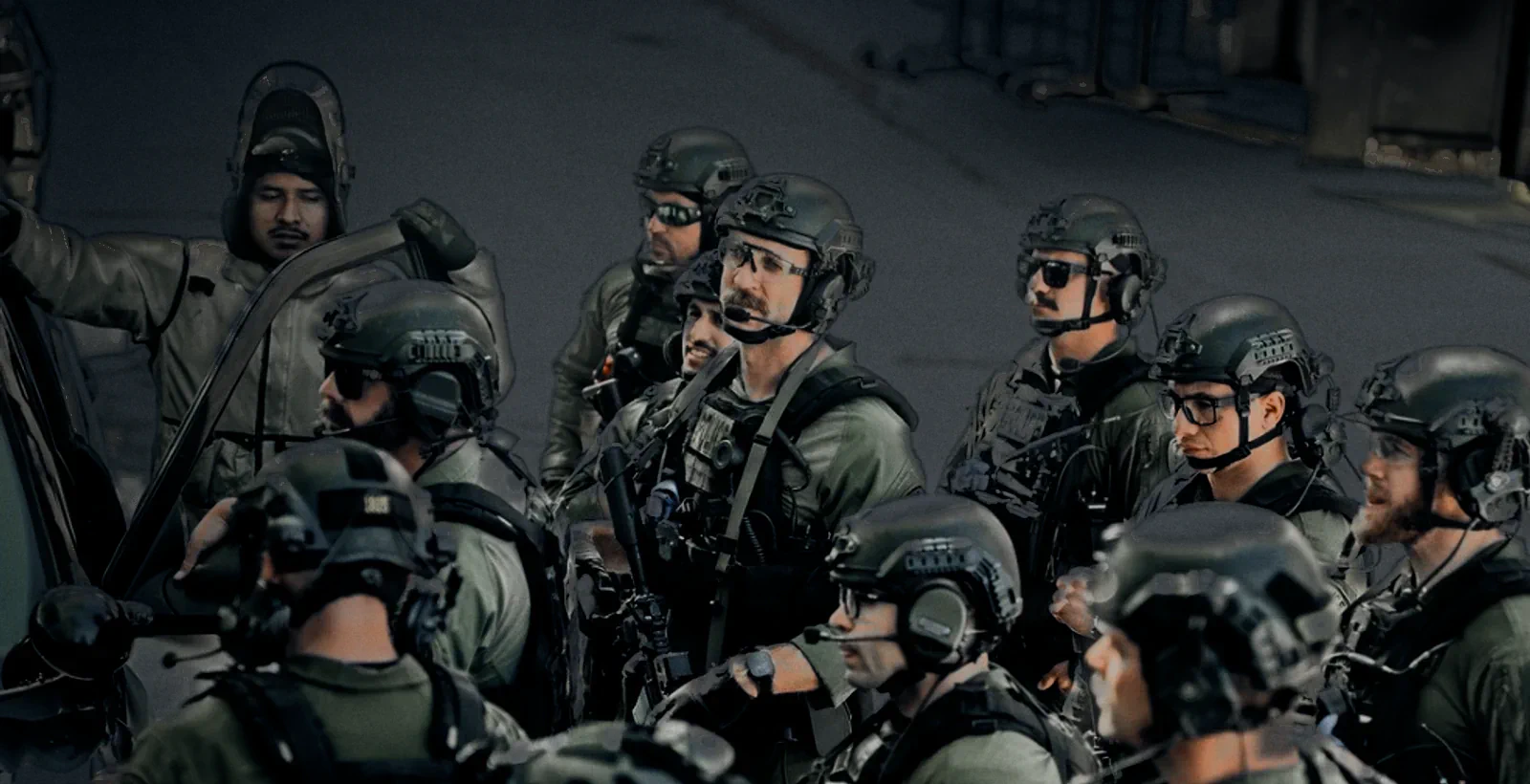
For operators and team leaders Built by an operator. For the team on the op.
The plan stops living in a group text, a whiteboard photo and somebody’s memory. It is one record on every phone on the team, and it is current.
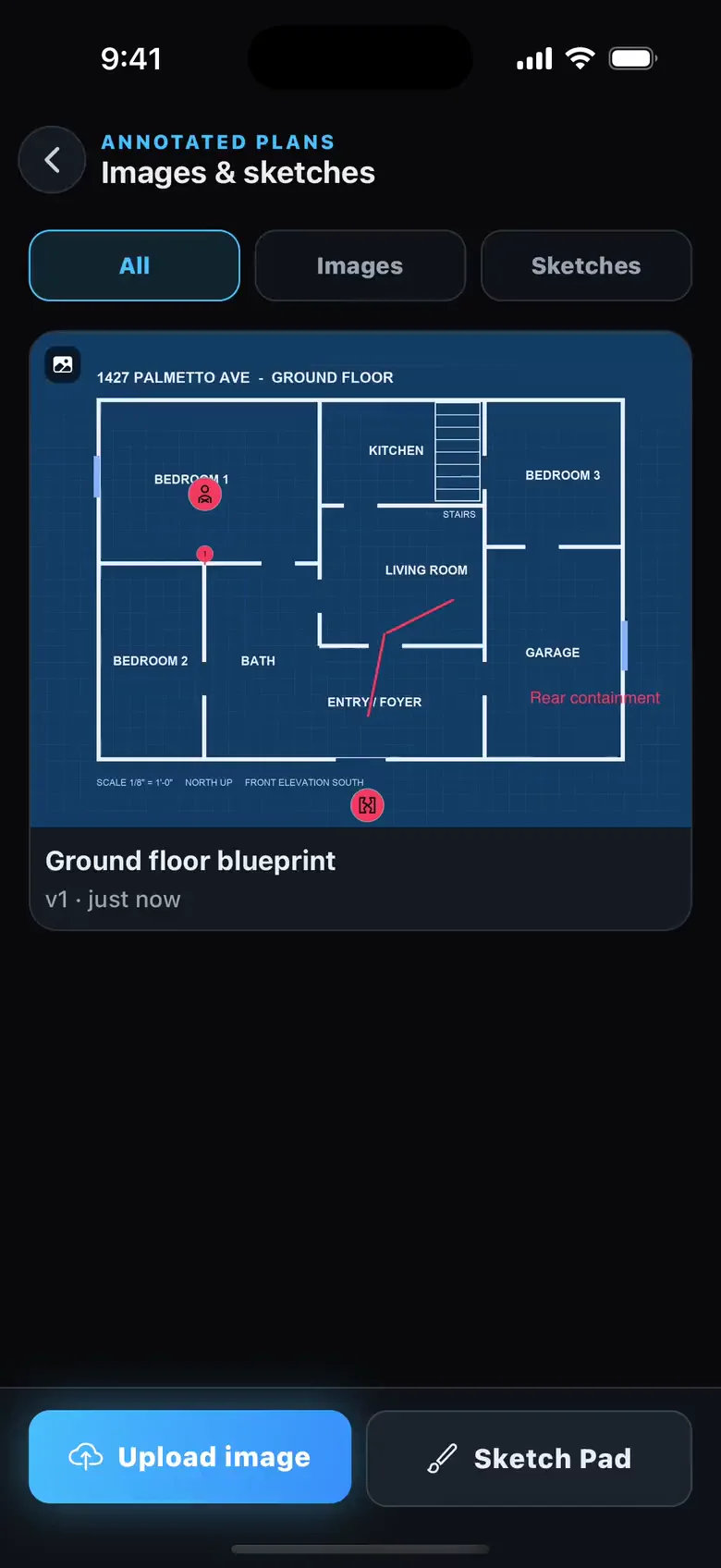
The current plan. Not version one.
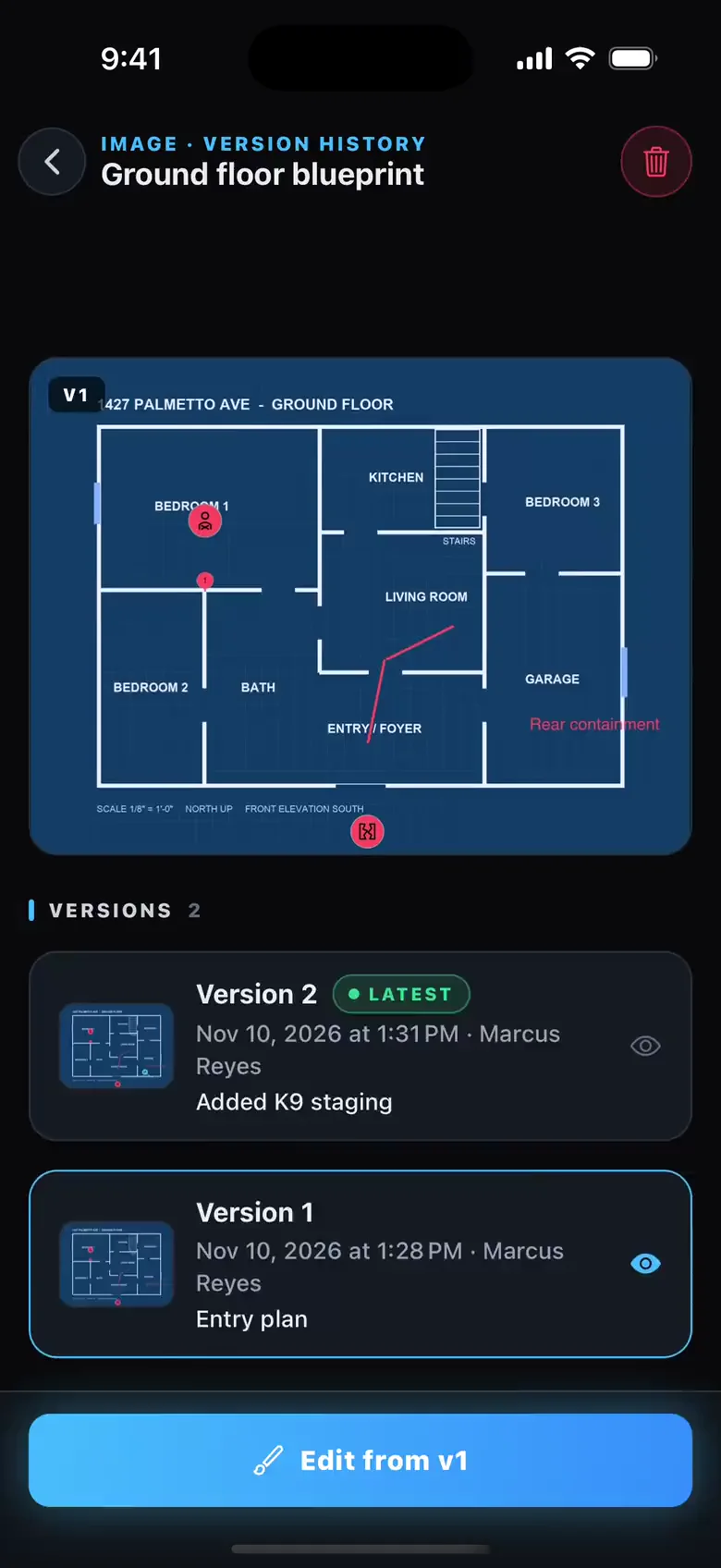
The marked-up floor plan you open is the latest saved version, with who changed it and when. Each save of an image or a sketch is kept as its own version, and the earlier ones stay in the version history.
- Routes, breach and entry points and positions drawn on the real floor plan
- One editor at a time, with a badge that shows who has it open
- The blueprint laid over satellite imagery of the location
One thread per operation.
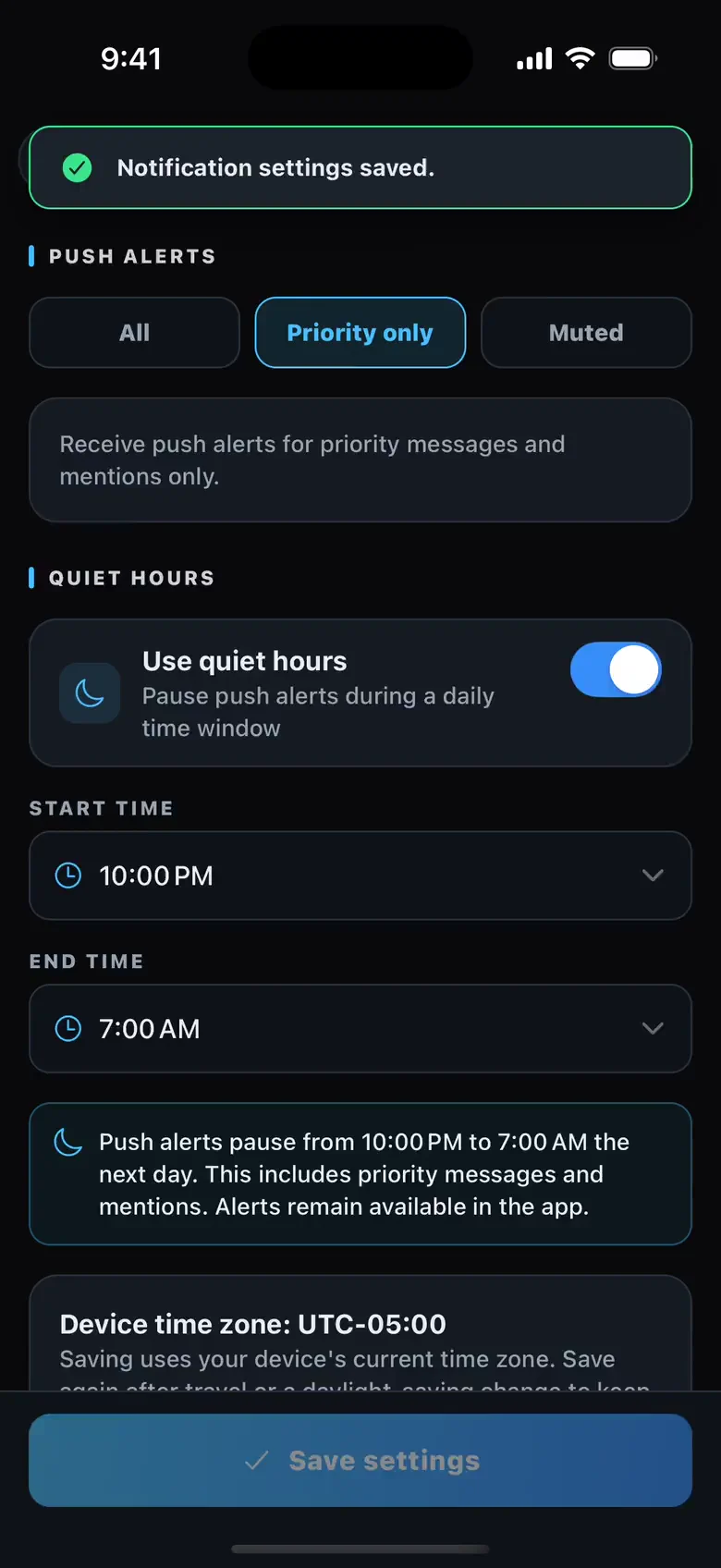
Updates stay with the operation they belong to, not in a group text that outlives it. The radio is still the radio. The thread is for what does not belong on it: the updated floor plan, a change to the plan, a priority alert that stands apart from routine traffic.
- Set each operation to all activity, priority alerts and mentions only, or muted
- Quiet hours with a start and an end time
- Tap an alert to land on what it is about
Your team role, in the file.
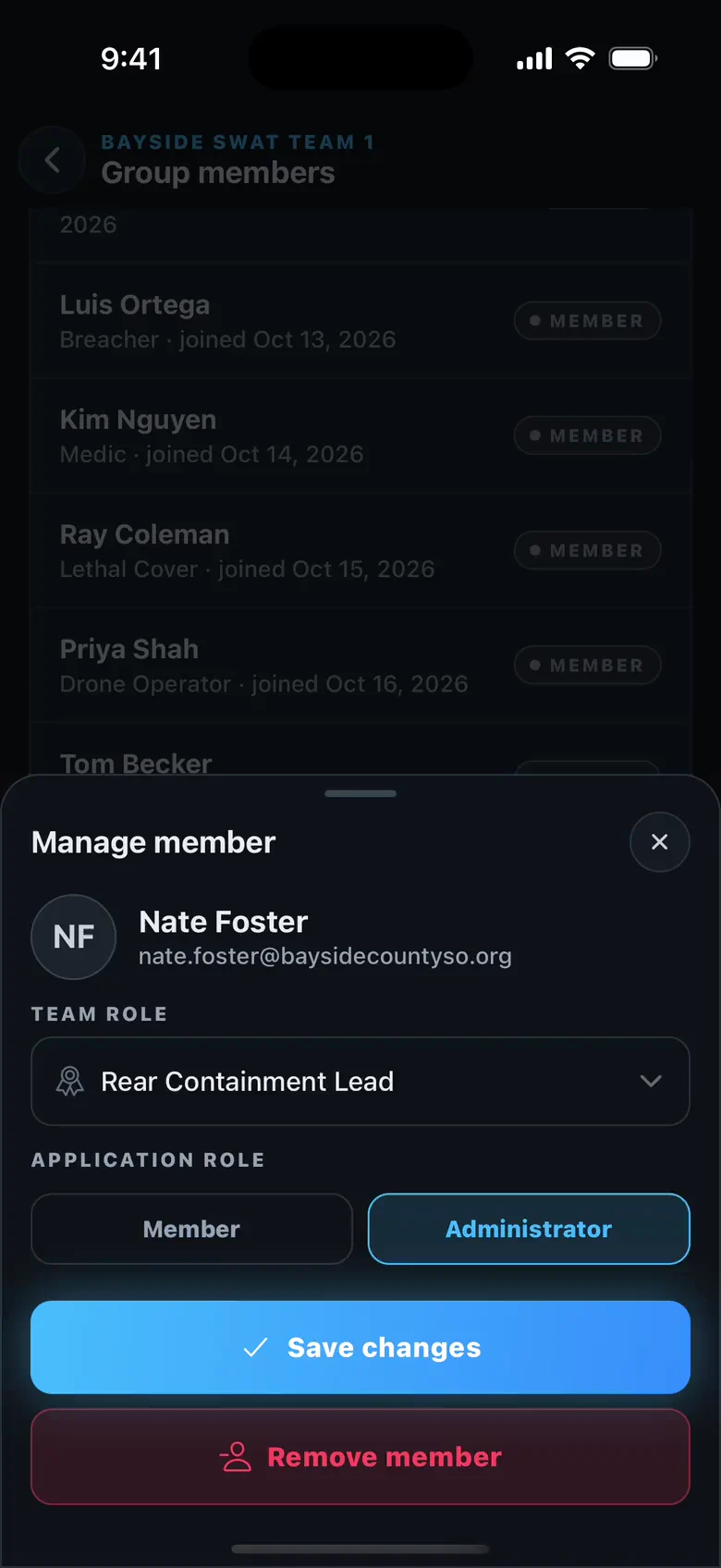
Every member carries a team role for the briefing, from Team Leader and Breacher to K9 Handler, Medic and Containment, or a role typed in. The persons, the forms and the status are in the same operation file.
- Members view the plan, chat and complete forms
- Administrators create operations and templates, invite members and approve access
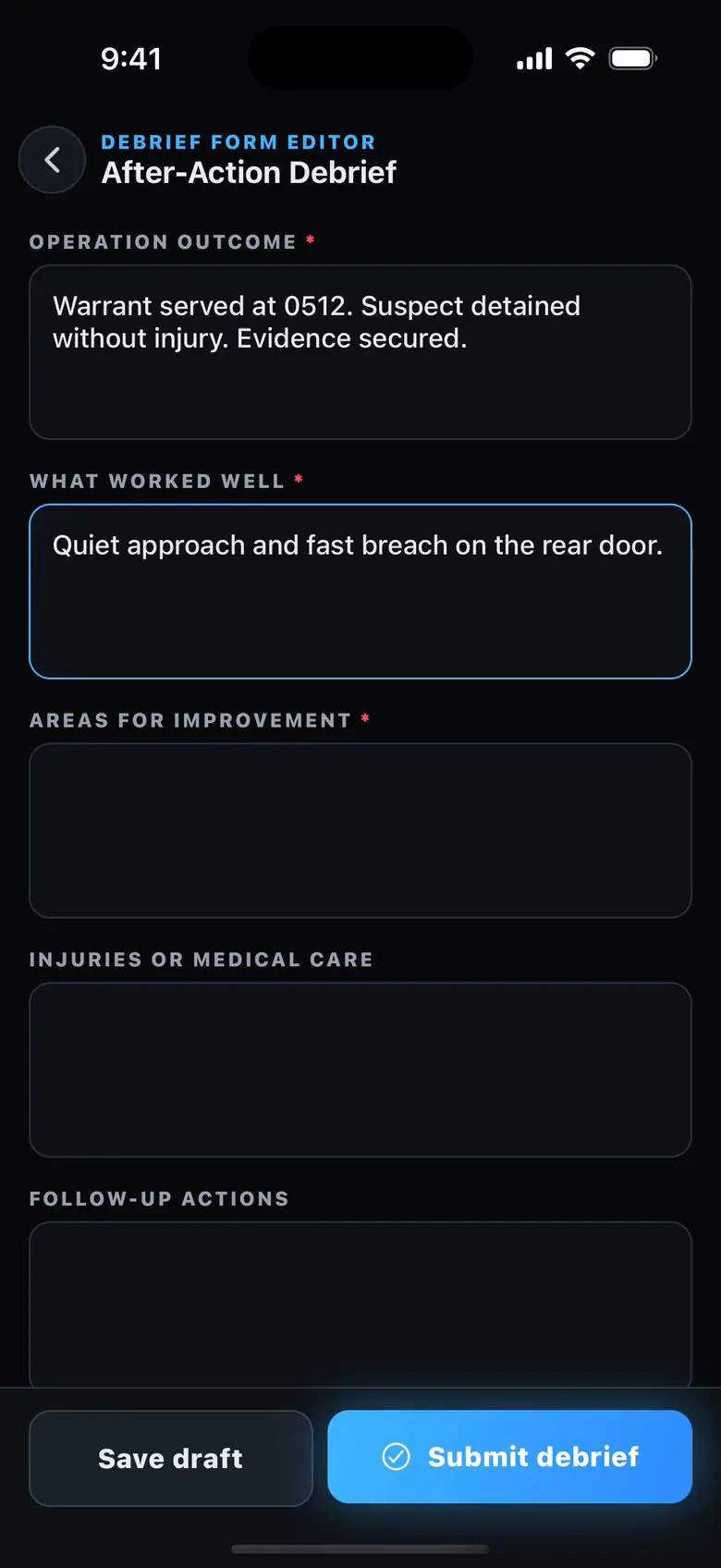
Write up the debrief before you go home.
Hold the debrief the way your team holds it. The write-up is a form your team defines: the outcome, what worked, what to improve, injuries, follow-up. Save a draft, attach photos, and submit it when it is right. It stays with the operation it is about.
- Debrief templates built by your administrators
- A submitted debrief carries its author
How to get it on your team.
Tac Ops Pro is licensed per department, not per seat, so operators do not buy their own logins. You do not have to be the one who signs to start it. Request a demo yourself and you get the same walkthrough a commander would, from the founder, an active SWAT operator. Or send this to your team leader.
- Demo: a live walkthrough with the founder, not a sales rep
- Pilot: your team plans real operations in it
- Rollout: department-wide licensing with onboarding included
Questions
Direct answers.
- I’m an operator, not command staff. Can I get this for my team?
- Yes. Start it yourself. Request a demo and you get the same walkthrough a commander would, from the founder, who is an active SWAT operator. Licensing is per department, so the agreement is your agency’s to sign, and a pilot puts your team on it for real operations first.
- Does it run on my phone?
- It runs on iOS and Android, with a dark interface.
- Do I have to be an administrator to use it?
- No. Members view the plan, join the chat and complete forms. Administrators create operations and templates, invite members, assign roles and approve access.
Get it in front of your team.
Operator, team leader or command, it starts the same way: a walkthrough with the founder. An active SWAT operator, not a sales rep.