
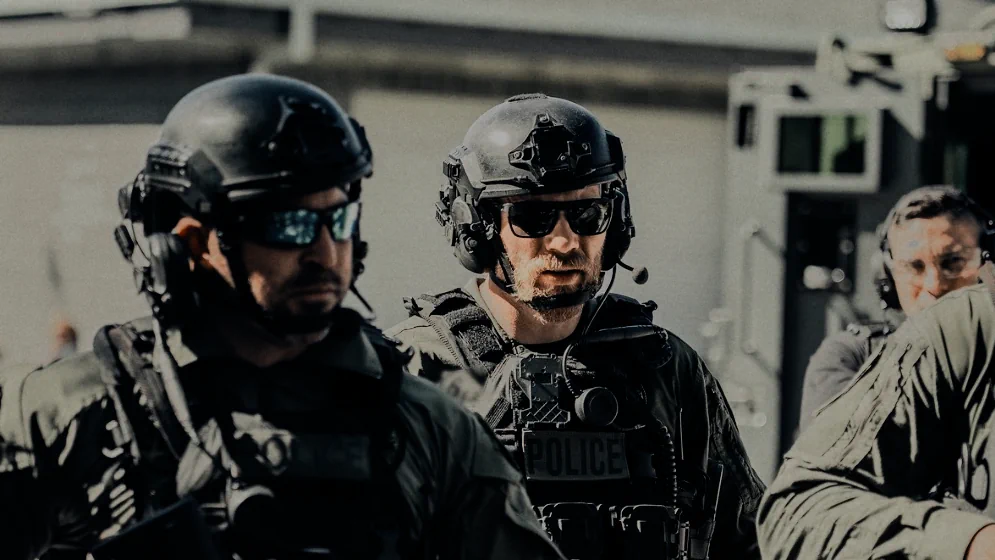
Warrant service planning software The search warrant operations plan, in one record.
Planning the service of a warrant starts the same way every time. Name it, schedule it, pin the location and set the threat level. Then build the file the team will brief from: who you expect to find there, what the place looks like, and the forms your agency requires.
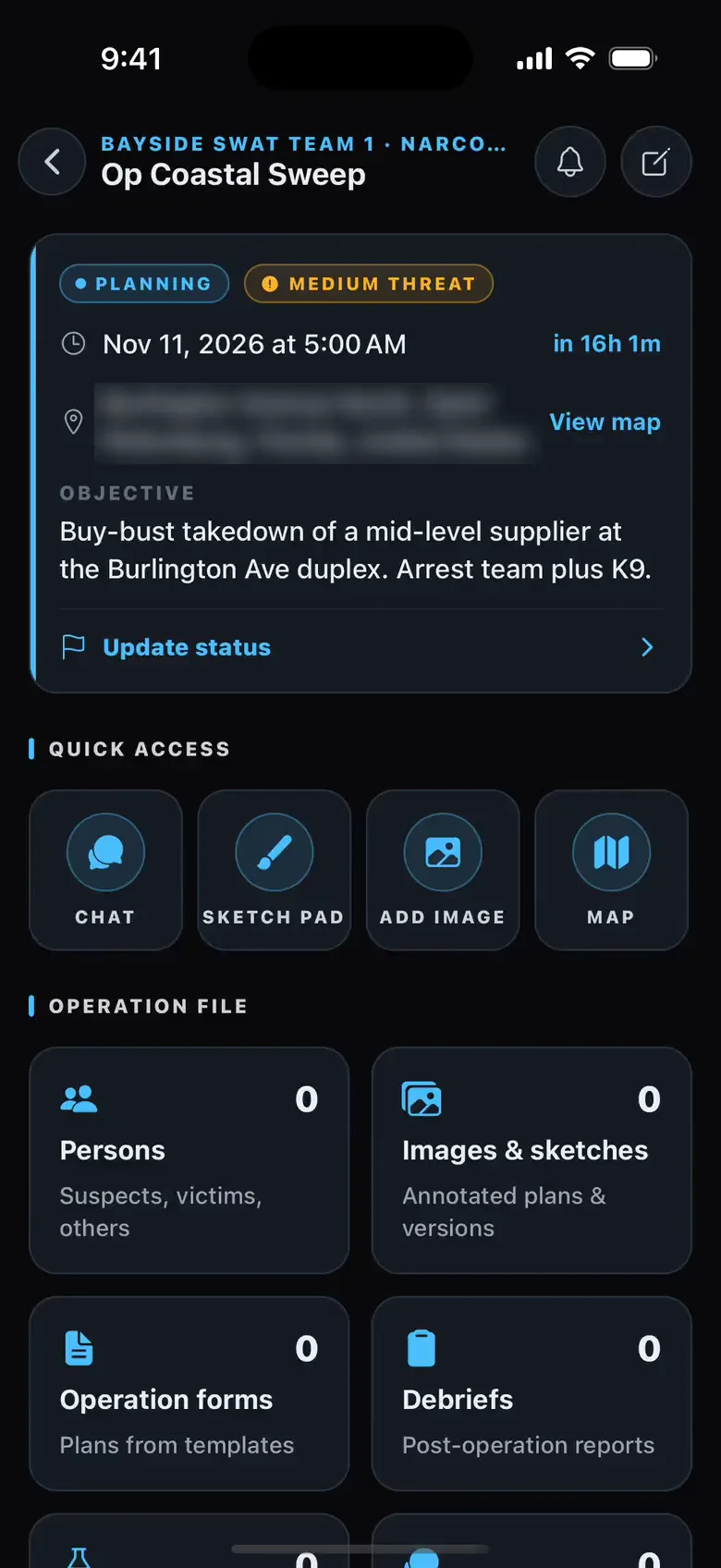
Start with the situation and the threat level.
Every operation carries a situation code: Search Warrant, Probation Search, Parole Search, Barricaded Subject or Hostage Rescue, plus codes your administrators add. The threat level is Low, Medium or High, set by the administrator who builds the operation.
- A date, a time and a countdown on the operation dashboard
- Location by address search, current location or a pin on the map
- The objective on the operation dashboard
The threat level decides what cannot be skipped.
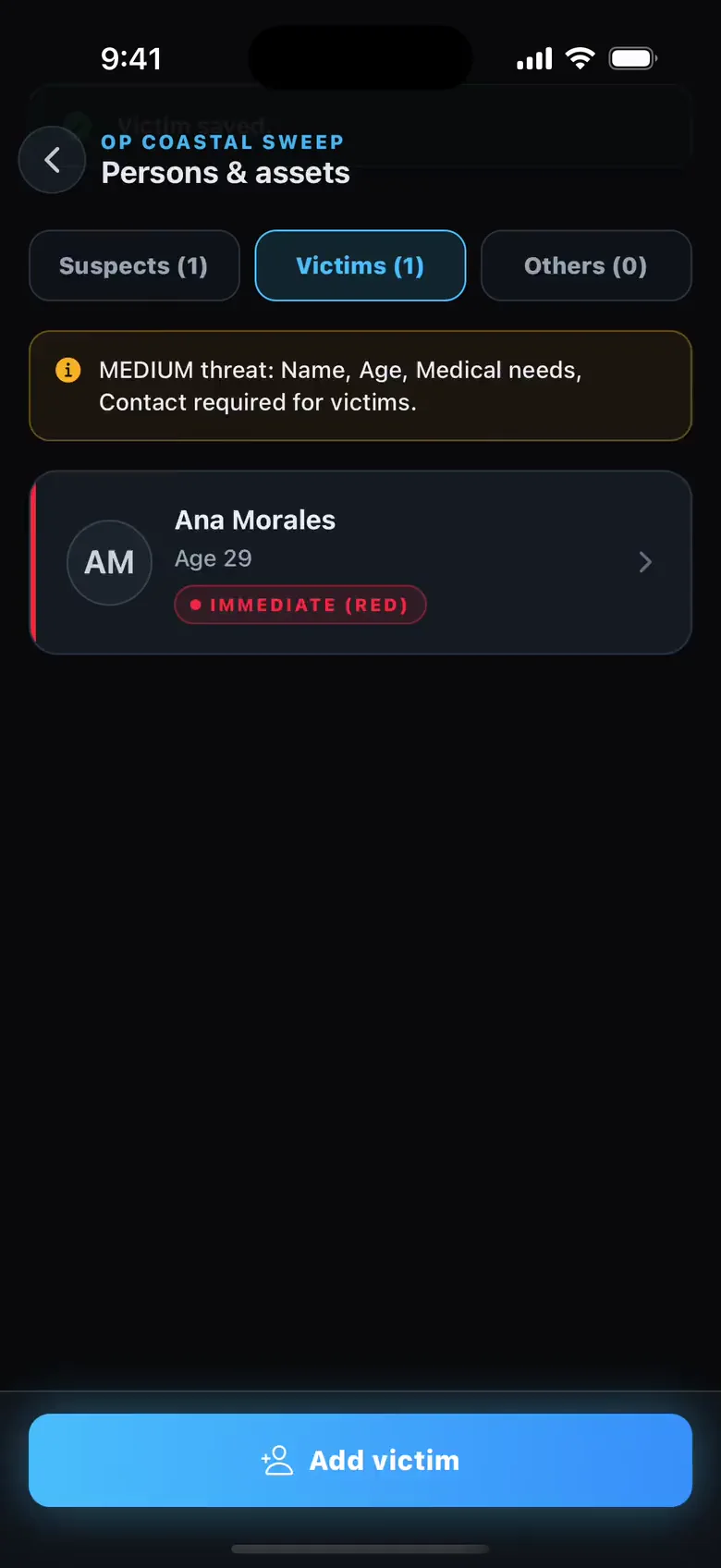
Record suspects, victims and others. As the threat level rises, more is required for victims and others. At Low, every person needs a name and an age. At Medium, victims also need medical needs and contact information, and others need a name and a relationship.
- Suspects: identity, photo, and vehicle make, model, year, color, plate and VIN
- Victims and others: contact details, medical needs and a triage status
- Confidential and redaction switches for the people who need protecting
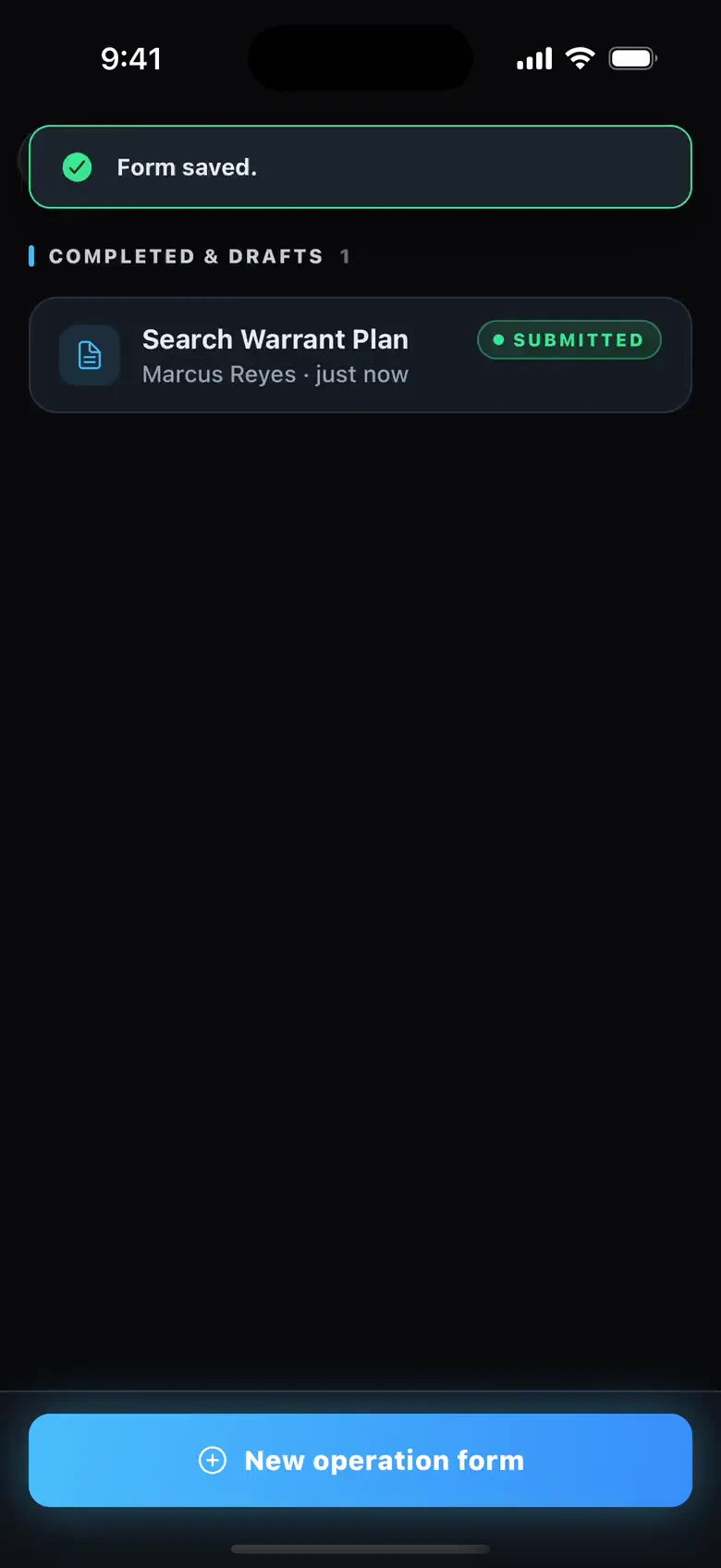
Your operations plan and threat matrix, as forms.
Administrators build the form templates: the operations plan, the risk assessment or threat matrix, the checklist. Members pick a template and complete it in the operation, so the answers sit in the record next to the plan. The app does not score the assessment. Setting the level stays your team’s decision.
- Any field can be marked required
- Drafts, with photos and files attached
- A submitted form carries its author
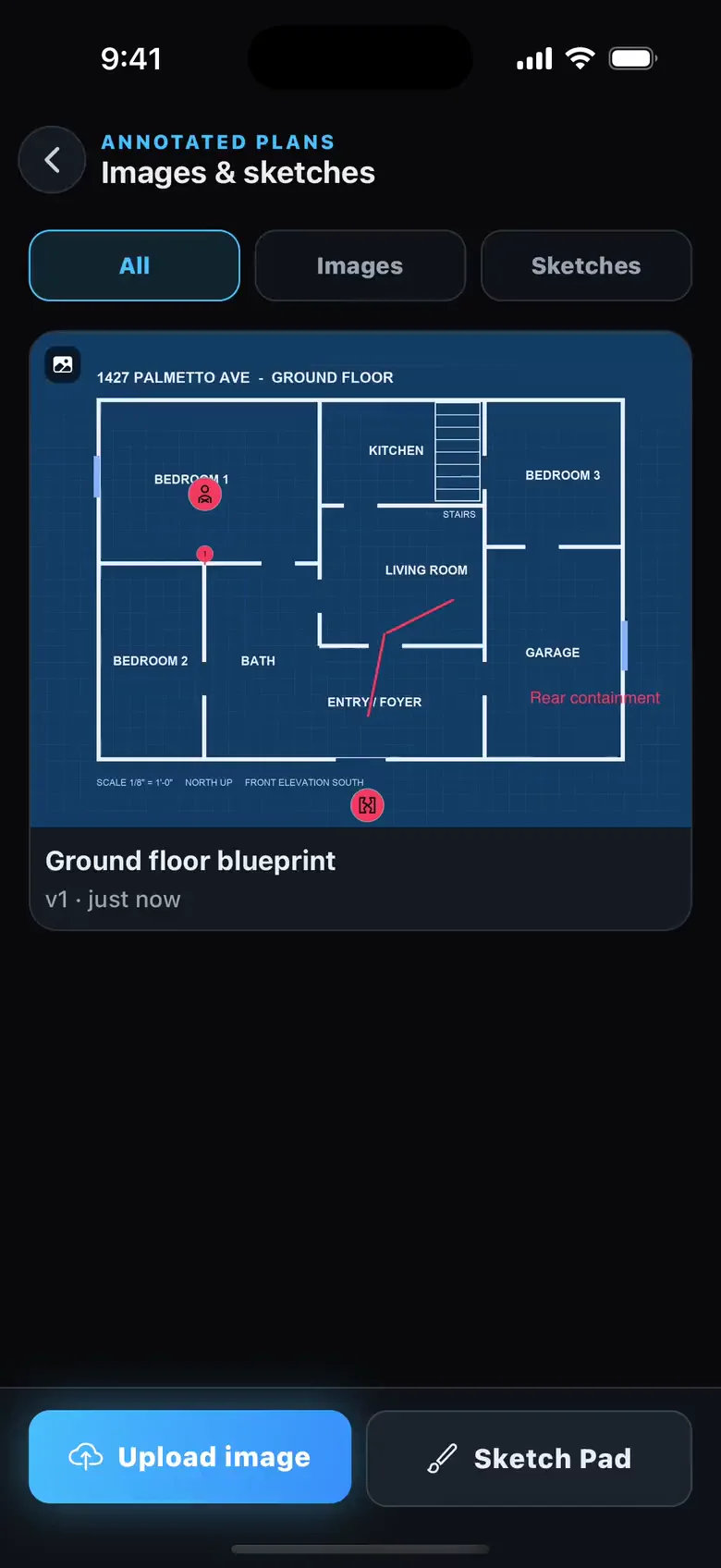
Mark up the target.
Upload the floor plan or a photo and mark routes, entry and breach points and positions, then lay the blueprint over satellite imagery of the location. Every save is a version the whole team sees.
Questions
Direct answers.
- Does it score our risk assessment or threat matrix?
- No. The threat level is Low, Medium or High, set by the administrator who builds the operation, and it decides which person fields are required. Your risk assessment or threat matrix can be built as a form template and completed on every operation. Setting the level stays a decision your team makes.
- Which operations does it cover besides search warrants?
- The built-in situation codes are Search Warrant, Probation Search, Parole Search, Barricaded Subject and Hostage Rescue, and your administrators can add their own.
- Can other teams see our operation?
- A new operation starts out findable by other teams on Tac Ops Pro, with a limited preview, unless you switch that off. Turn the switch off on anything other teams should not find. No other team sees more than the preview unless your administrators approve its request.
Get it in front of your team.
Operator, team leader or command, it starts the same way: a walkthrough with the founder. An active SWAT operator, not a sales rep.