
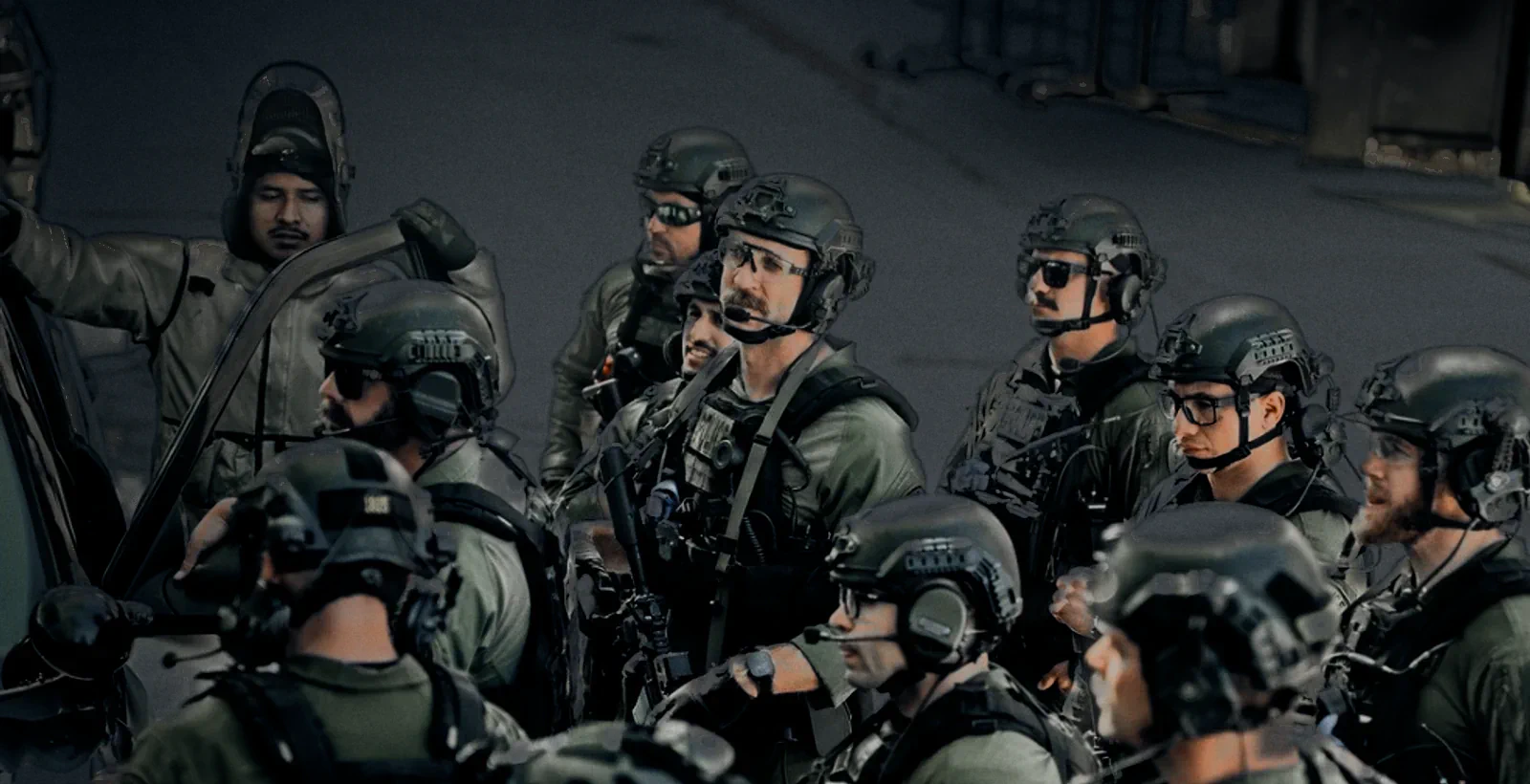
Mutual aid and task force operations Share one operation with another team. Not your whole system.
On a mutual aid callout or a task force operation, another team needs in. They ask, you decide, and you can take it back. One switch on each operation decides whether other teams can find it at all.
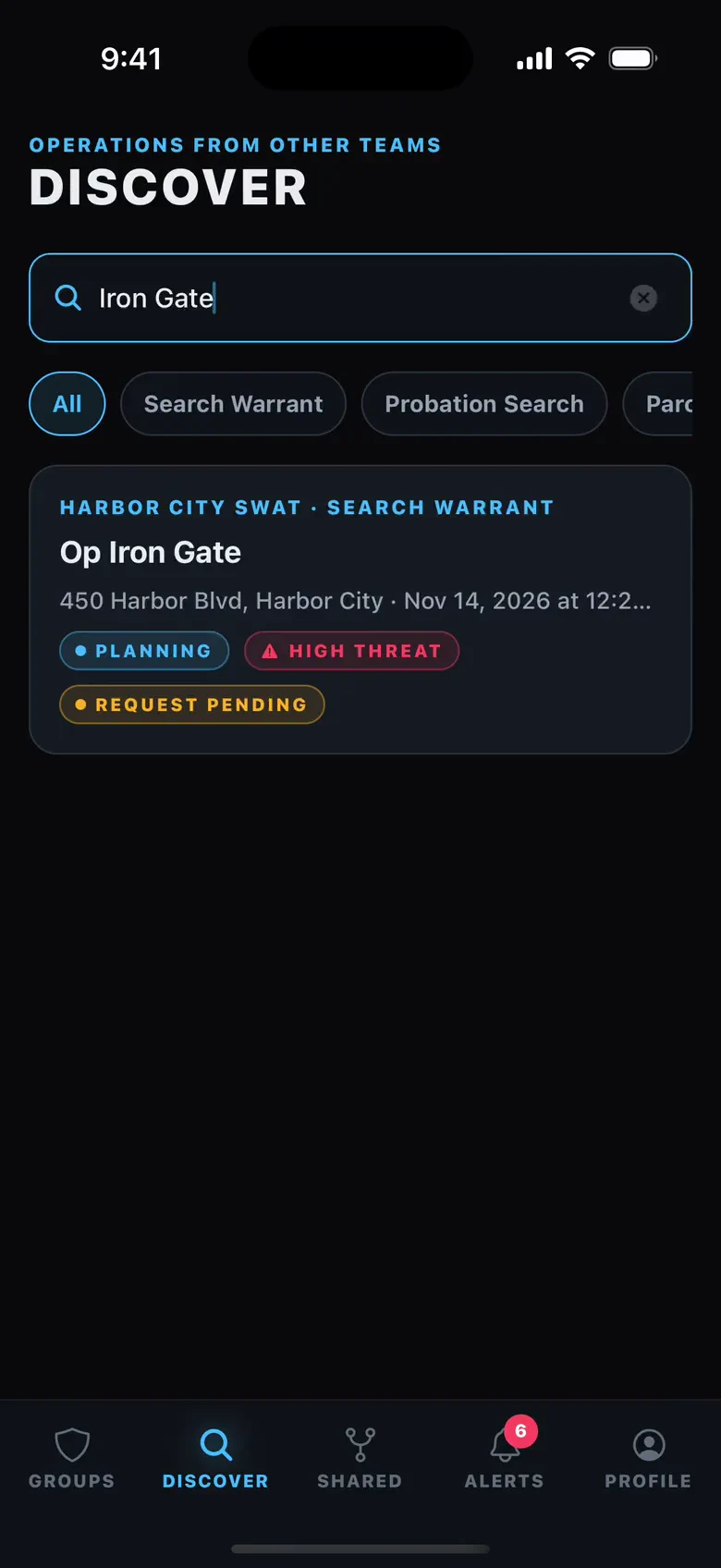
Found, then requested.
Every new operation is created Discoverable. Switch that off for an operation that should stay inside your group. With it on, anyone else on Tac Ops Pro who searches can pull up a preview: the operation’s name, your group, the situation code, the location, the date and time, the status and the threat level. Nothing more. A team that needs the rest sends a request stating its justification and what it intends to use the access for.
- Search by keyword, location or group name
- A request for one person or on behalf of a group
Approved or denied by your administrators.
Each request lands with your group’s administrators. It carries the requester’s name and email, the agency and team from their profile, and the reason they gave. The requester typed those details in, so check them before you say yes. Approve it or deny it: the requester hears either way, and the decision stays in the history.
- Approve or deny
- A history of every decision
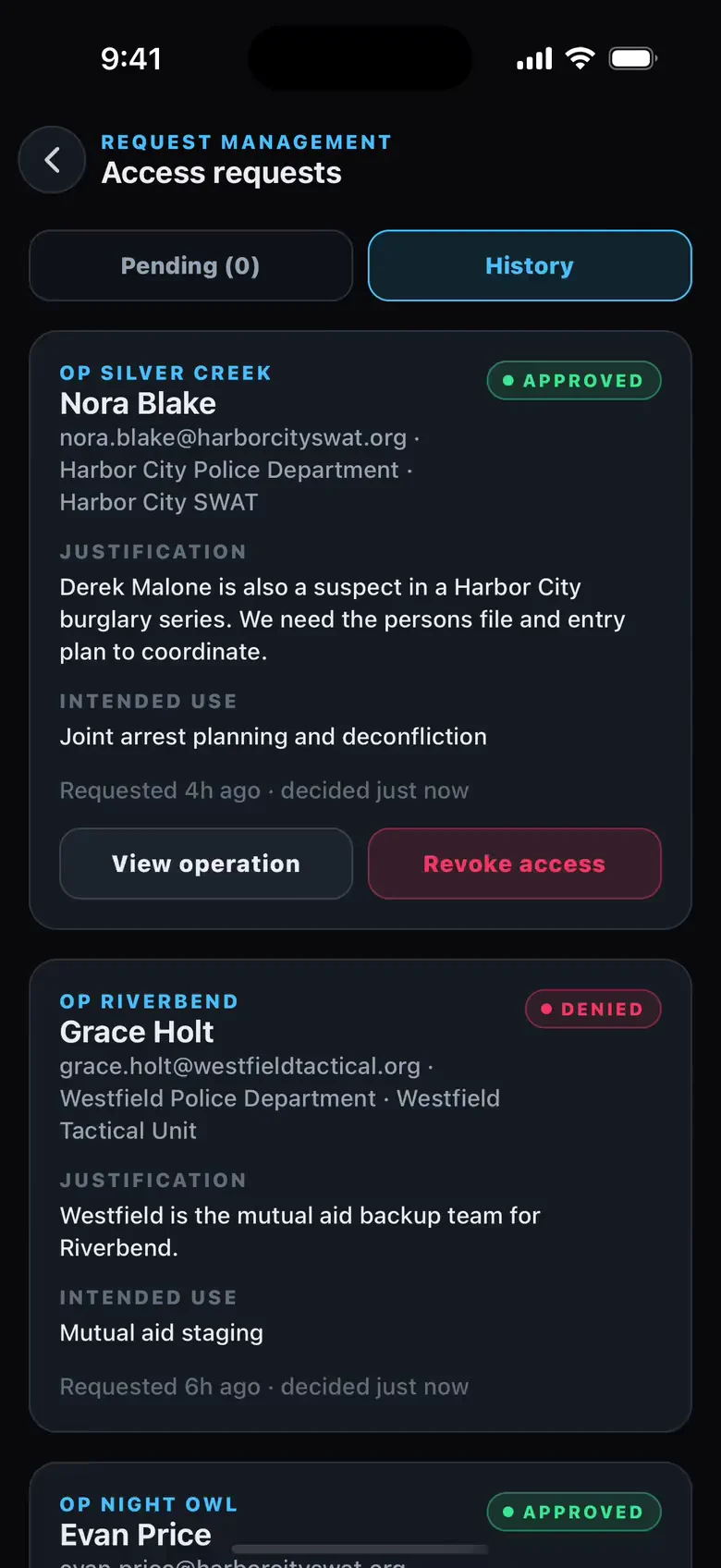
That operation, and only that one.
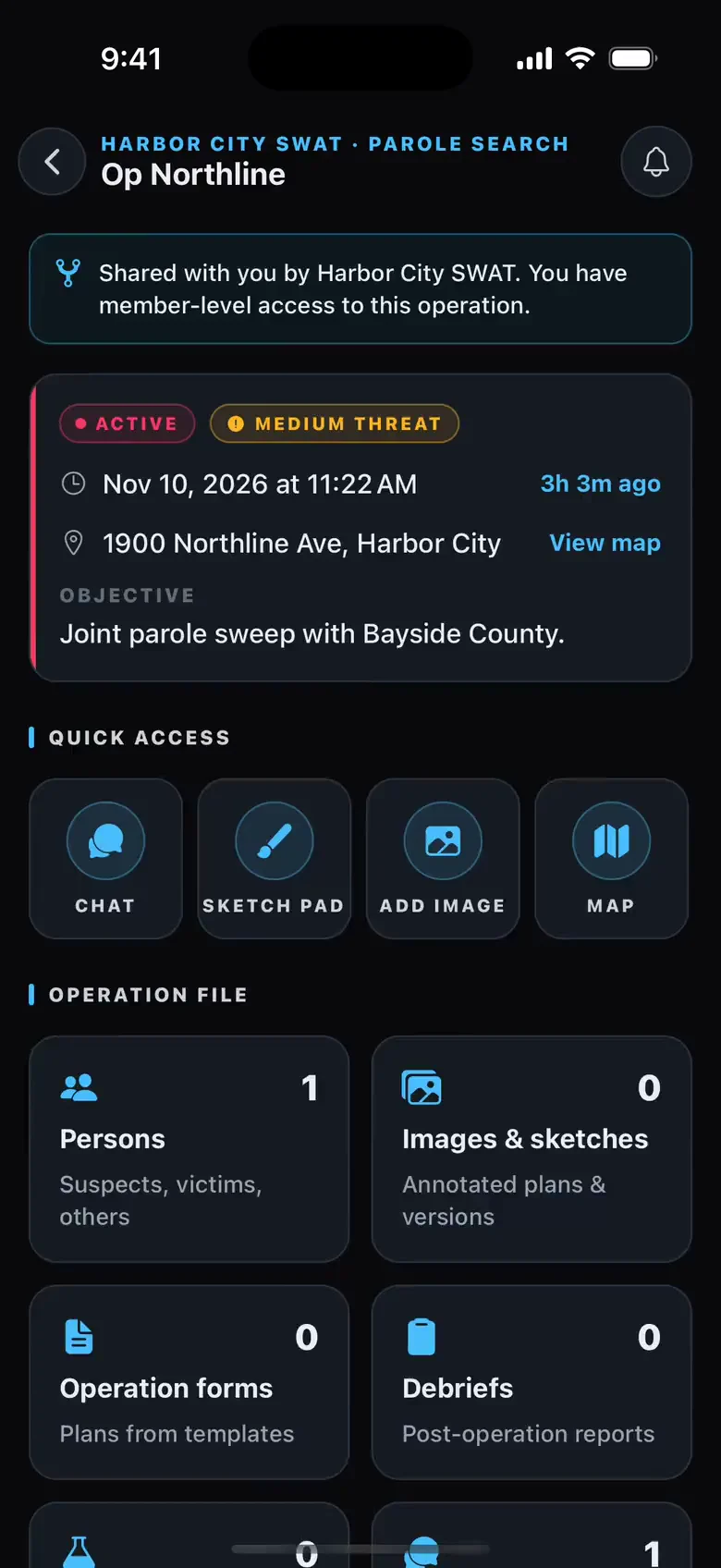
A team you approve gets a member’s view of that single operation: the plan, the forms, the images and the chat. Anyone you marked confidential is left out of what they see. Pull the access whenever you want.
- Access to that operation and nothing else
- Confidential persons stay hidden
- Revoke at any time
Questions
Direct answers.
- What can a team with shared access see?
- A member’s view of that one operation: its plan, forms, images and chat. Persons you marked confidential are left out.
- Who approves a request?
- Your group’s administrators, one request at a time. Each request names who is asking, their agency and their reason, as they typed them, so check before you approve.
- Can we stop other teams finding an operation?
- Yes. One switch on each operation decides whether other teams can find it at all. It is on when a new operation is created, so turn it off on anything that should stay within your group.
Get it in front of your team.
Operator, team leader or command, it starts the same way: a walkthrough with the founder. An active SWAT operator, not a sales rep.